


How to change the fonts in Twenty Thirteen theme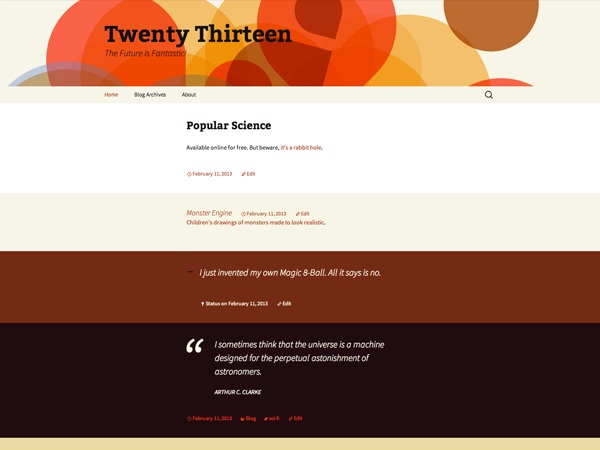
The font of WordPress Twenty Thirteen Theme is not changeable; it is used Bitter for headings and Source Sans Pro for body text fonts. If your website is in a language Source Sans Pro and Bitter don’t have support for you can disable them by translating the theme, you just need to translate ‘on’ to ‘off’ and Google Fonts are out.
Fonts are included by the line
<link rel='stylesheet' id='twentythirteen-fonts-css' href='//fonts.googleapis.com/css?family=Source+Sans+Pro%3A300%2C400%2C700%2C300italic%2C400italic%2C700italic%7CBitter%3A400%2C700&subset=latin%2Clatin-ext' type='text/css' media='all' />
The template calls wp_head in header.php to insert the line, and the line that embeds the font is included in custom-header.php:
wp_enqueue_style( 'twentythirteen-fonts', twentythirteen_fonts_url(), array(), null );
Changing method
The trick is to look in the theme's functions.php file, which is where the twentythirteen-fonts variable and twentythirteen_fonts_url() function are defined. The relevant section begins on line 117 in the copy of functions.php that I have.
TwentyThirteen's twentythirteen_fonts_url() function and there are no hooks so you need to deregister twentythirteen-fonts and enquire your own fonts.
Removing the fonts is easy:
function deregister_gfonts_wpse_111190() {
wp_deregister_style('twentythirteen-fonts');
}
add_action('wp_enqueue_scripts','deregister_gfonts_wpse_111190',100);
Add your own Google fonts (or other) the same way that Twenty Thirteen themes. You will need to add another stylesheet to override the places where Twenty Thirteen uses the fonts though.
AlterNet method
As an alternative, if you create a child theme, any changes you make will be conserved. As noted in the previous paragraph, your child theme functions.php would not have to include an entire repeat of TwentyThirteen's function.php file, just the specific changes you want to make.
Changing font size and font family
If you want to change home page posts (when all posts are showing in homepage) title, font size and font family in twenty thirteen theme use the following css
.entry-title a {
color: olive;
font-family: cursive;
font-size: 34px;
}
